

How it works
The Writer picks a question people search for, writes an article that answers it, adds a cover picture, and publishes it on your blog at the times you set. Before writing the next one, the Writer looks at which articles get visits and plans around that. You don’t need to do anything for this to happen. You can read, edit or take down any article from the “Blog” page, or tell the CEO what you’d like the blog to cover.Where do I find my blog?
Click “Blog” in the sidebar. At the top you’ll see how many articles you have, how many visits they’ve had, and how many of those came from search. Click “The blog” to see your live blog.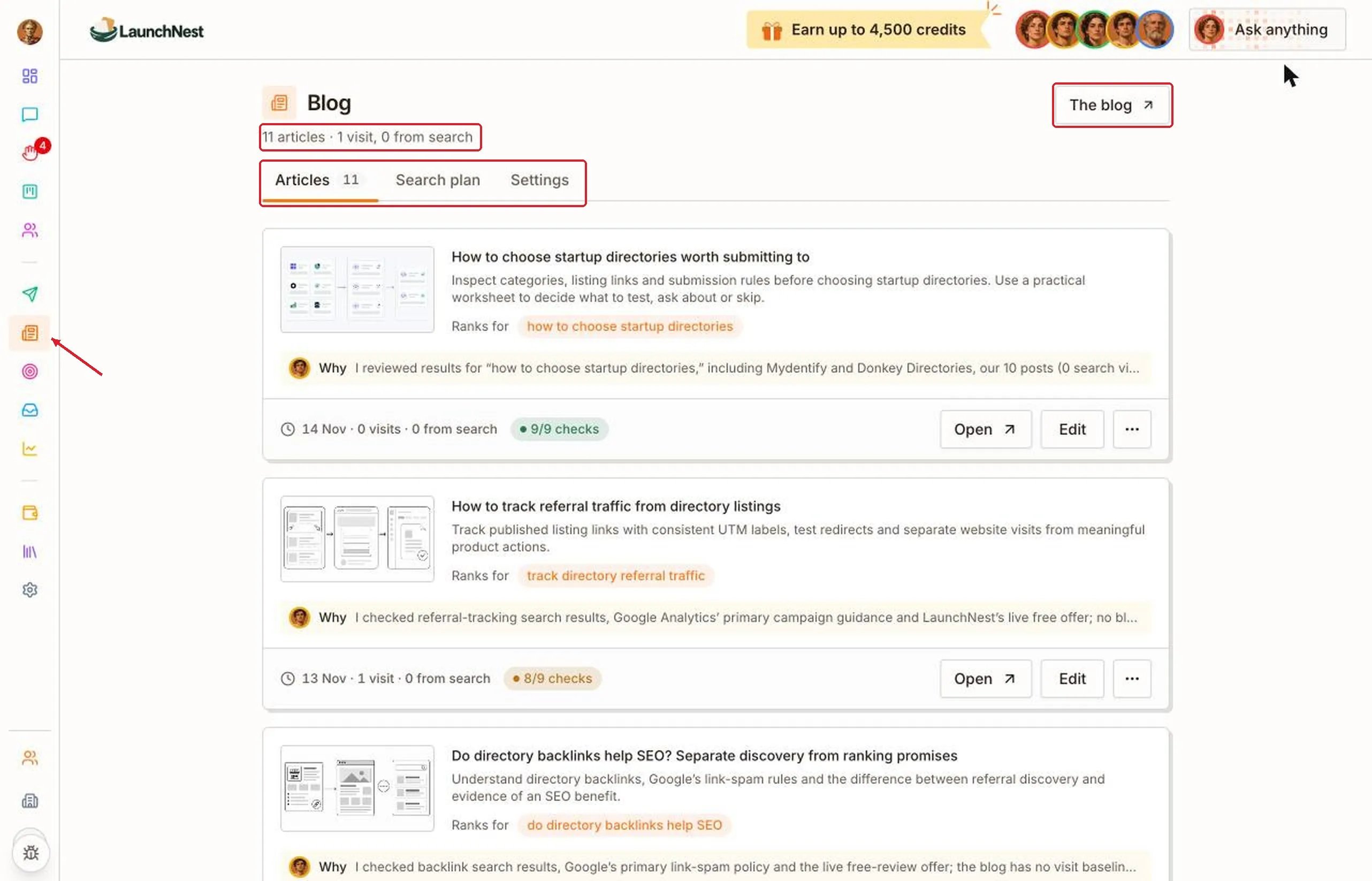
What’s on each article?
Each article shows its cover, title and a short description. “Ranks for” is the search the article is written to answer.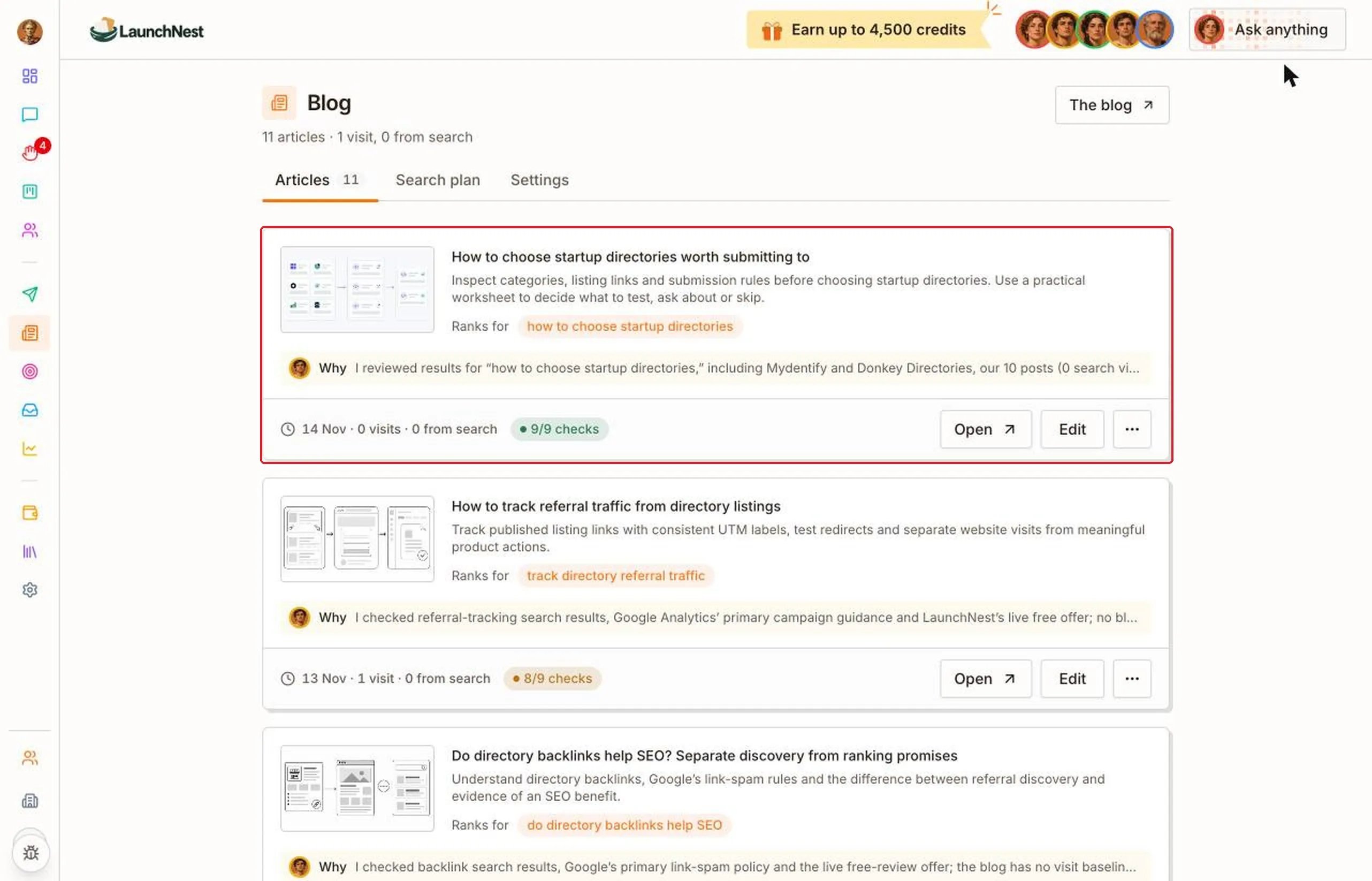
Why did it write this?
Click “Why” under an article. The Writer explains what it looked at and why it chose this topic.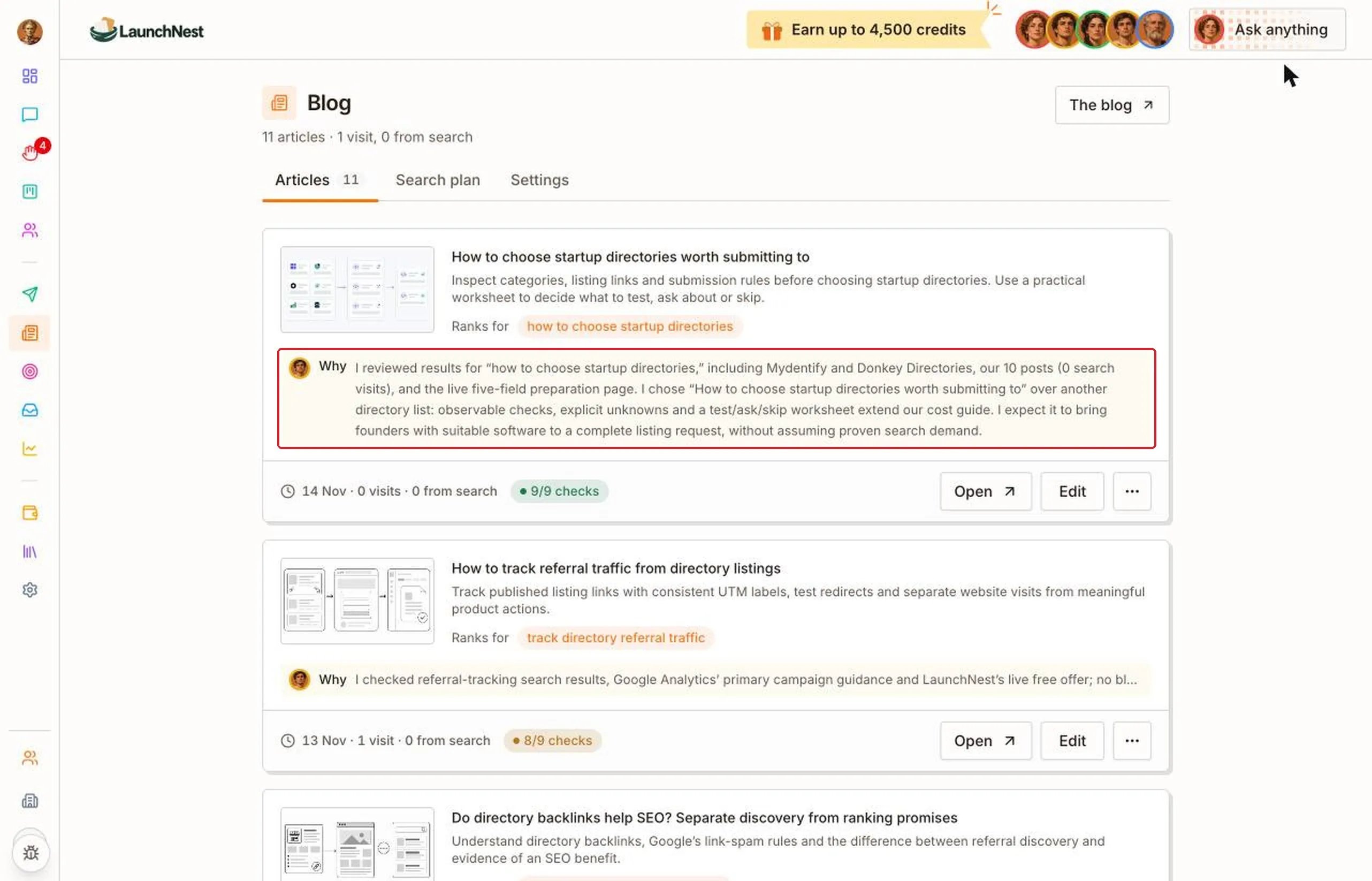
What are the checks?
Each article is measured against a set of checks, like whether it’s long enough to answer the question properly. The badge shows how many checks it passed, like “9/9 checks”. A green badge means all passed. An orange one means some didn’t. Hover over the badge to see what’s missing.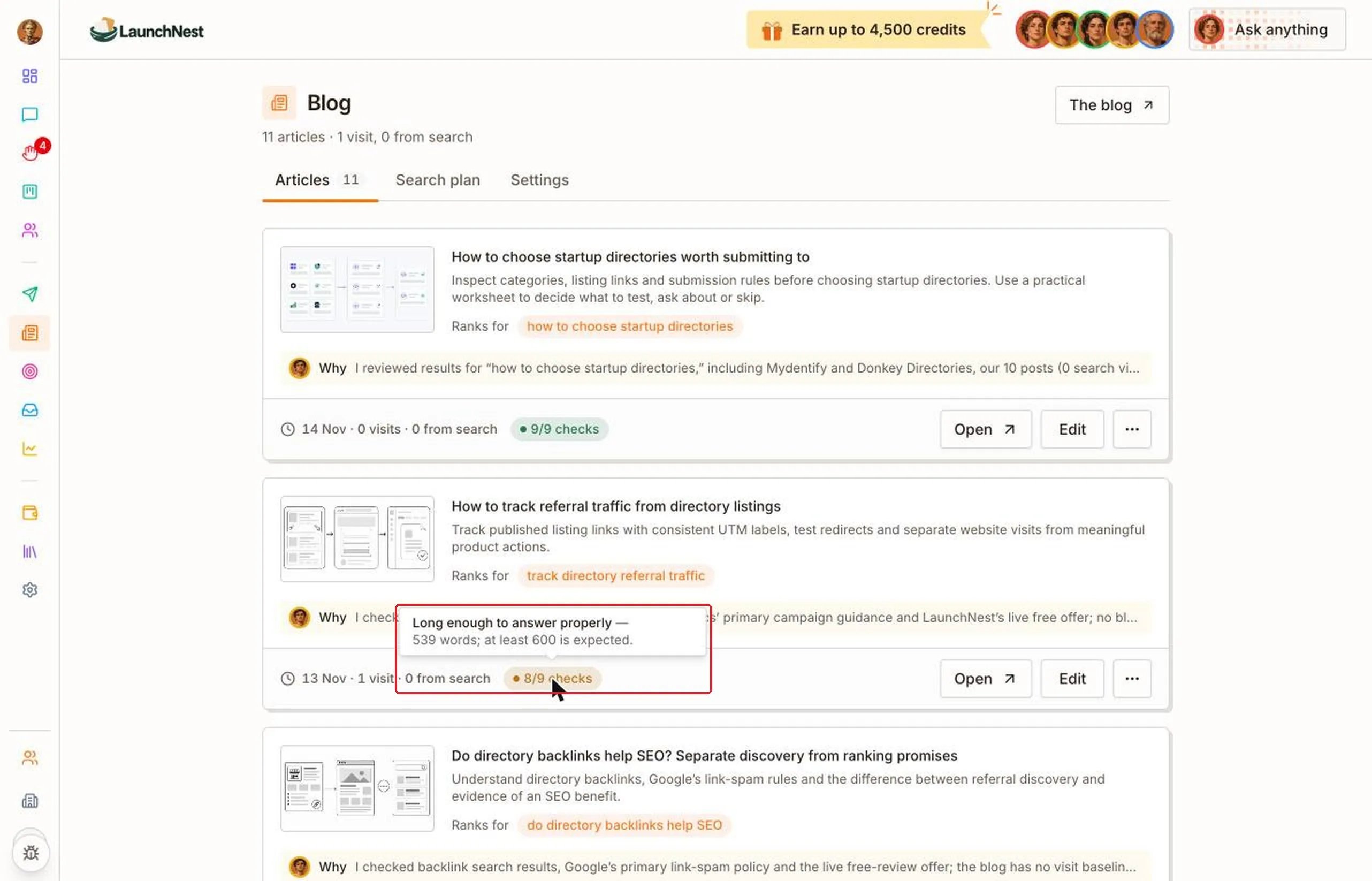
Tip: An article that’s missing a check still works. It’s a hint about what would make it better. If you’d like it fixed, ask the CEO.
Can I change an article?
Yes. Click “Edit”. You can change the title, the description and the text. Click “Save” when you’re done. Saved changes go live on your blog straight away.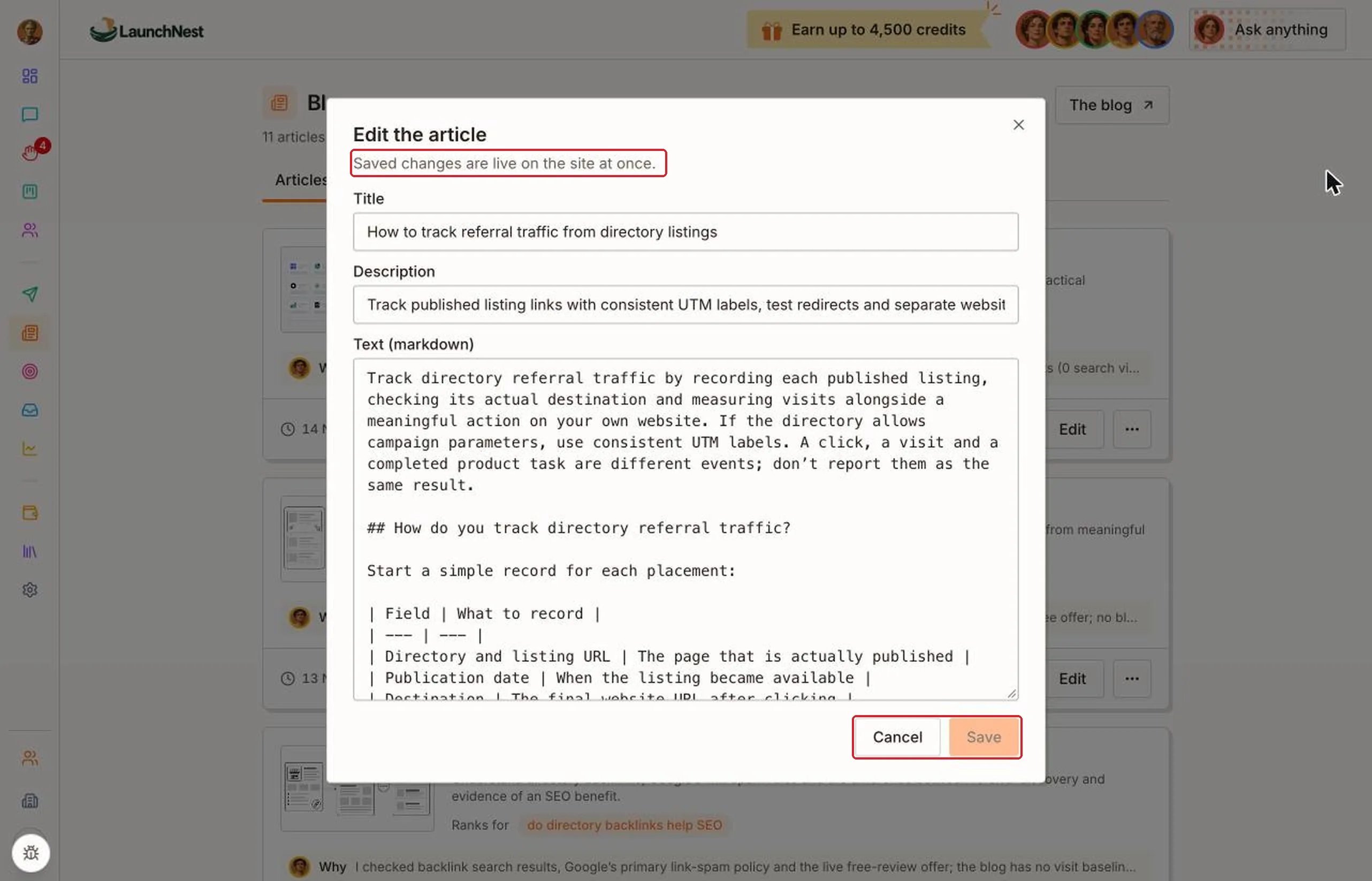
How do I remove an article?
Click “…” next to “Edit”, then “Take down”.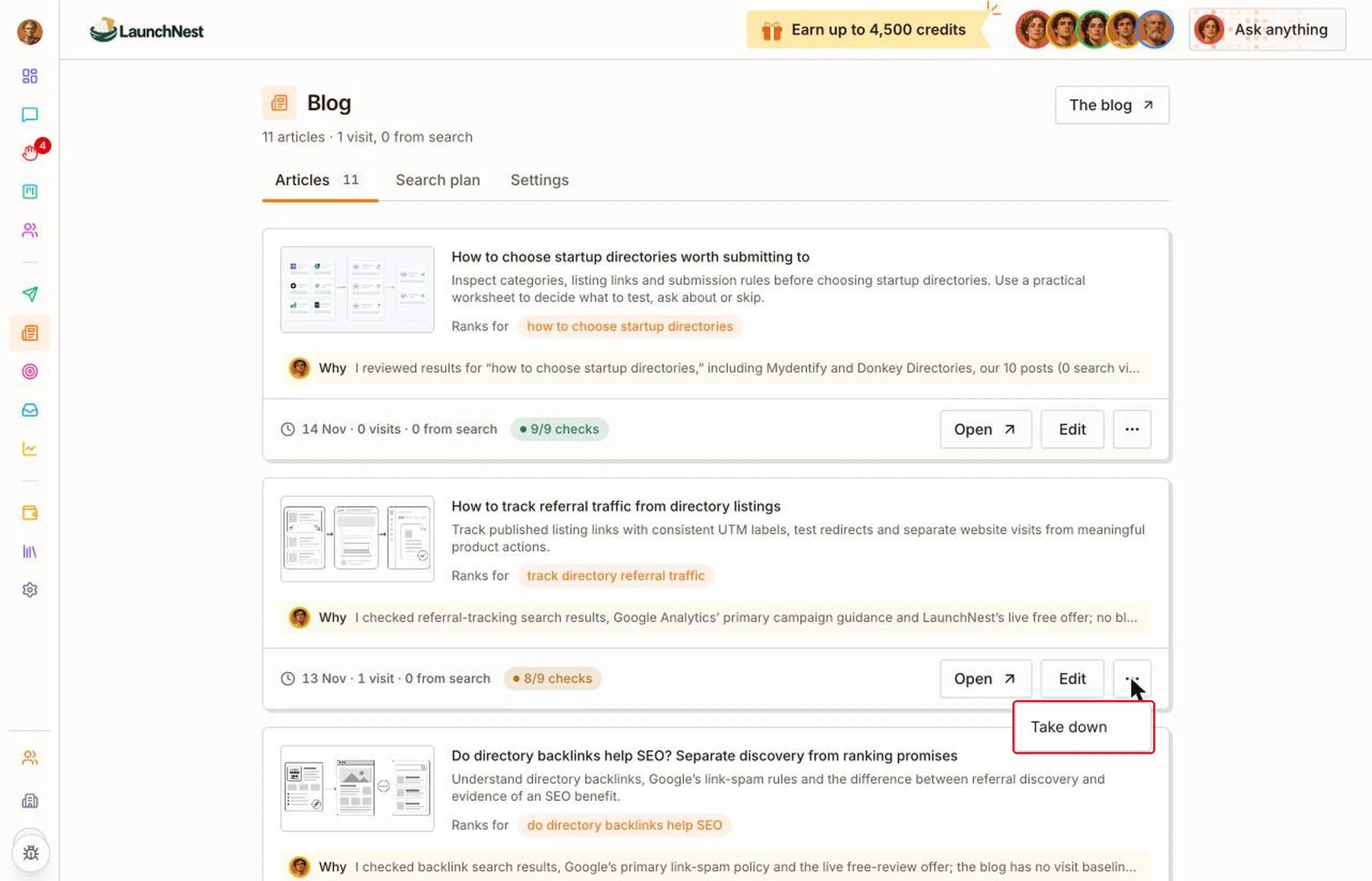
Tip: For a typo or a small mistake, use “Edit” instead of taking the article down. The fix goes live straight away and the article stays up.
What will it write next?
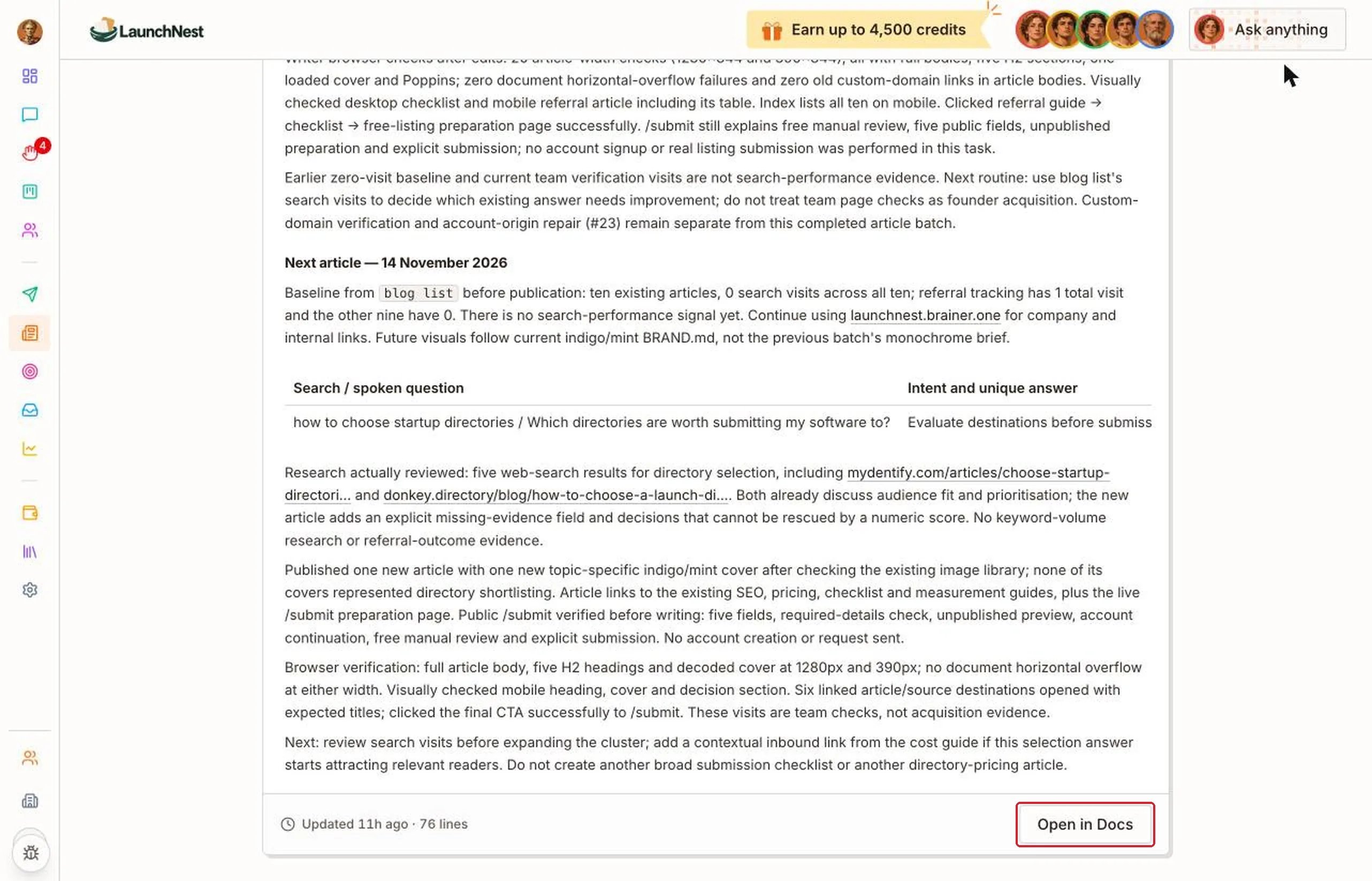
Open “Search plan”. It shows what the Writer plans to write: the searches your customers make, by topic, and what’s already been done.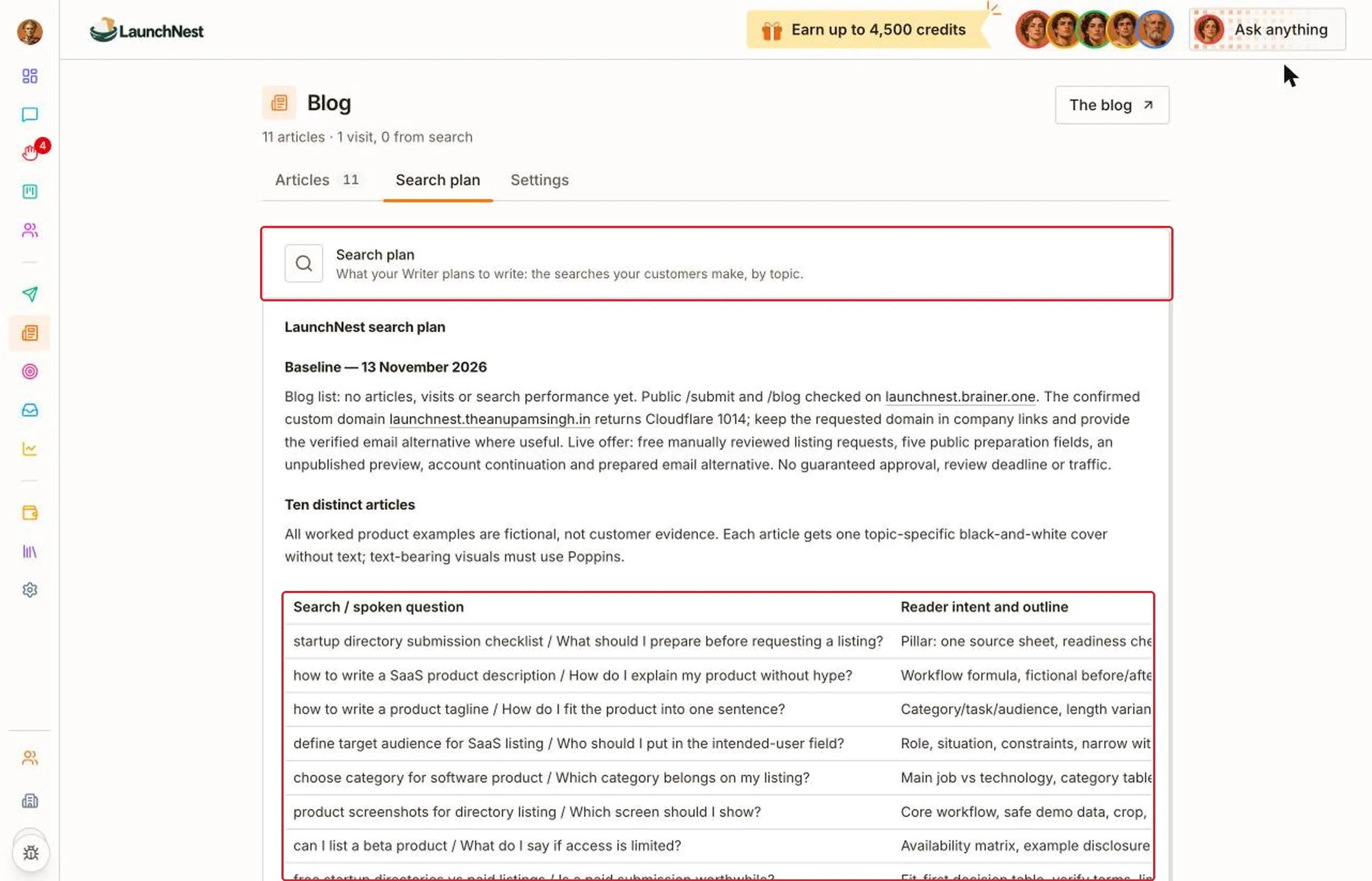
How often does it publish?
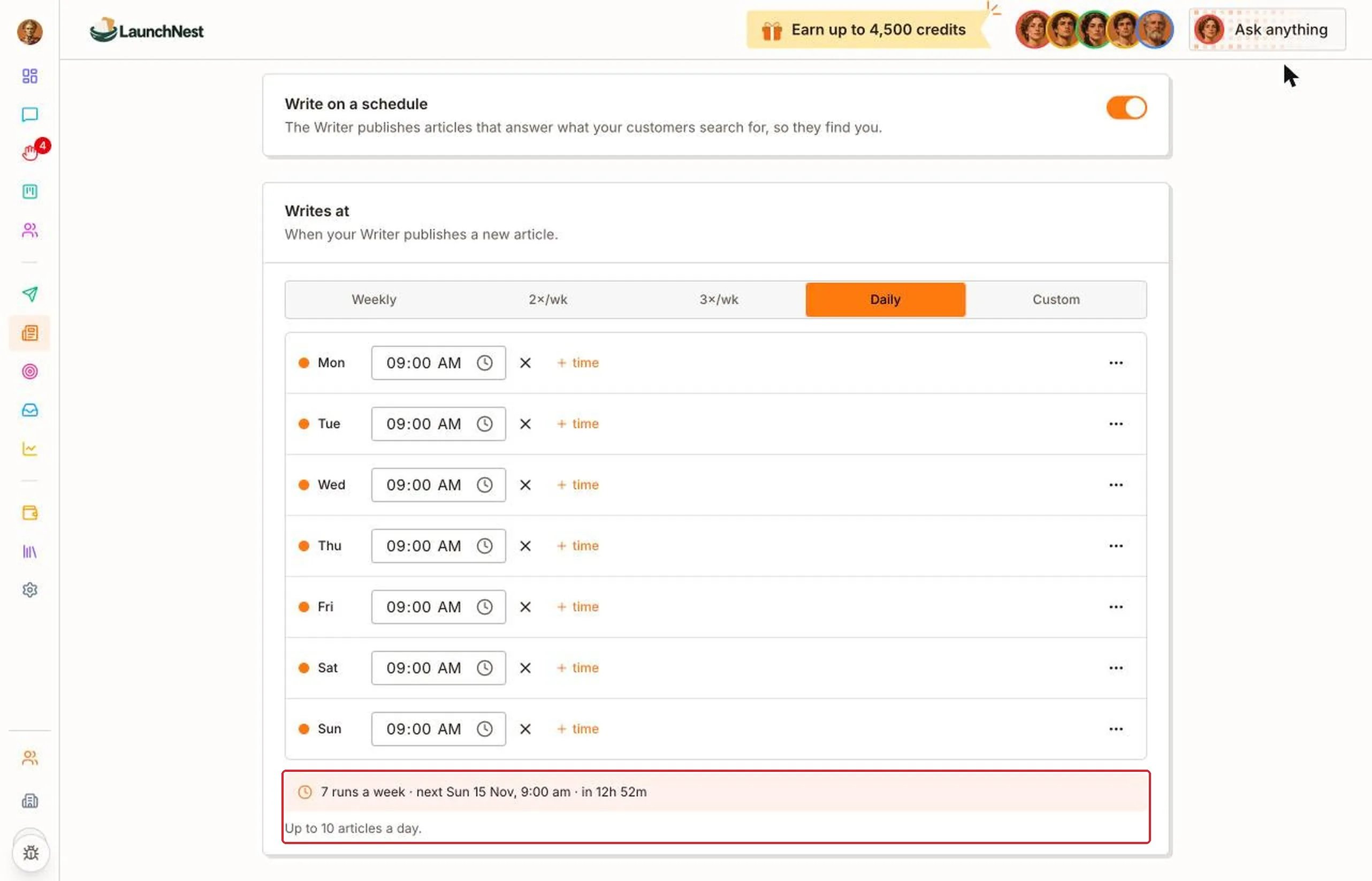
Open “Settings”. Use the “Write on a schedule” switch to turn the blog on or off. Under “Writes at”, pick “Weekly”, “2×/wk”, “3×/wk”, “Daily” or “Custom”.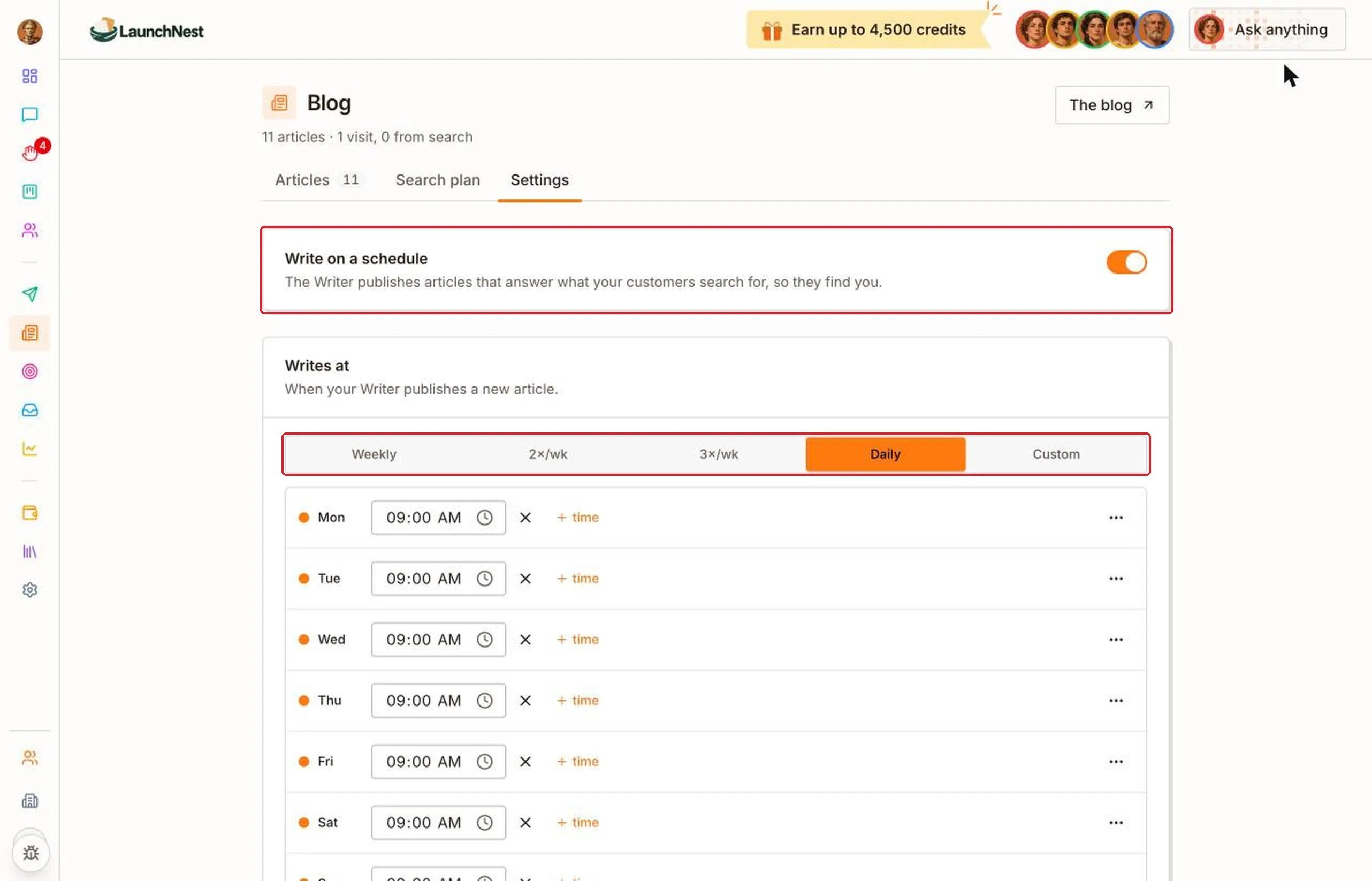
Quick answers
Do I need to write or approve articles?
Do I need to write or approve articles?
No. The Writer writes and publishes them at the times you set.
Why do most articles show 0 from search?
Why do most articles show 0 from search?
New articles take time to show up in search results. Visits usually come later.
Where do the cover pictures come from?
Where do the cover pictures come from?
The Writer makes them. You can find them in Artifacts under Pictures & videos.
Can I stop the blog?
Can I stop the blog?
Yes. Turn off Write on a schedule in Settings.